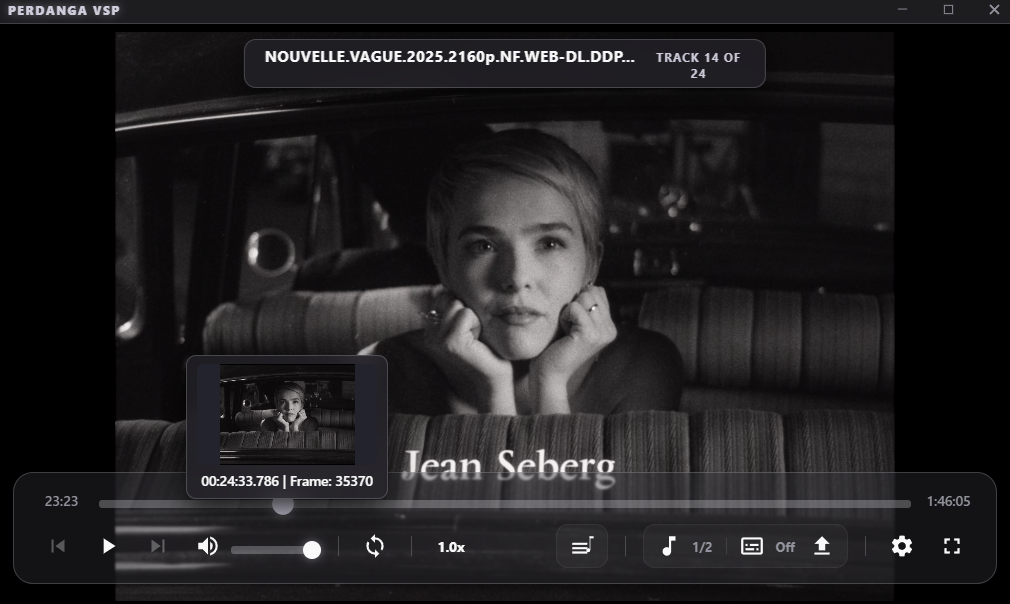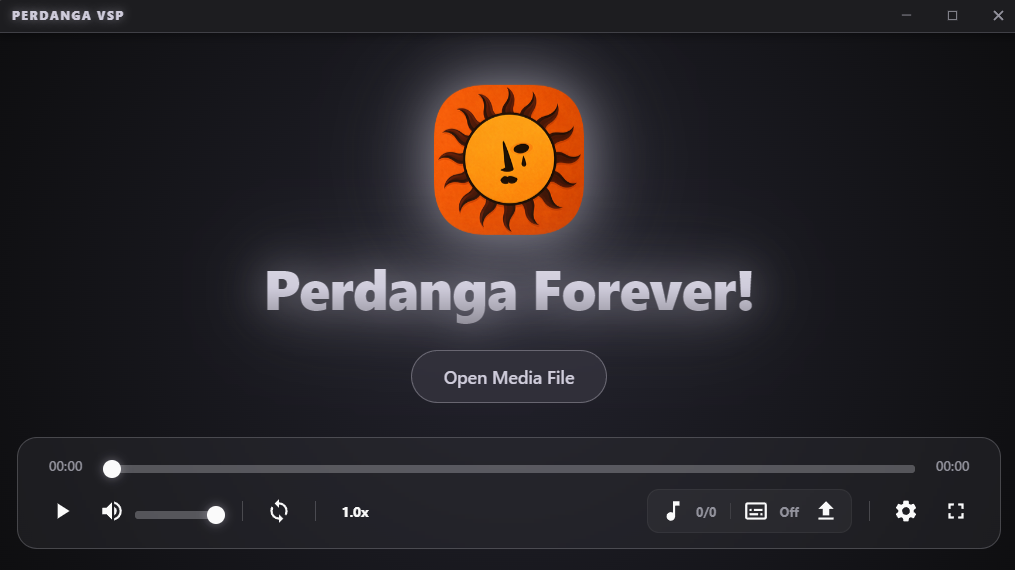
Perdanga VSP Main Window
Setup: ~70 MB | Disk Space: ~200 MB

Perdanga
VSP

A native C++ media player built with libmpv and D3D11 hardware rendering.
User Experience

Crafted with restraint.

Playlist Engine

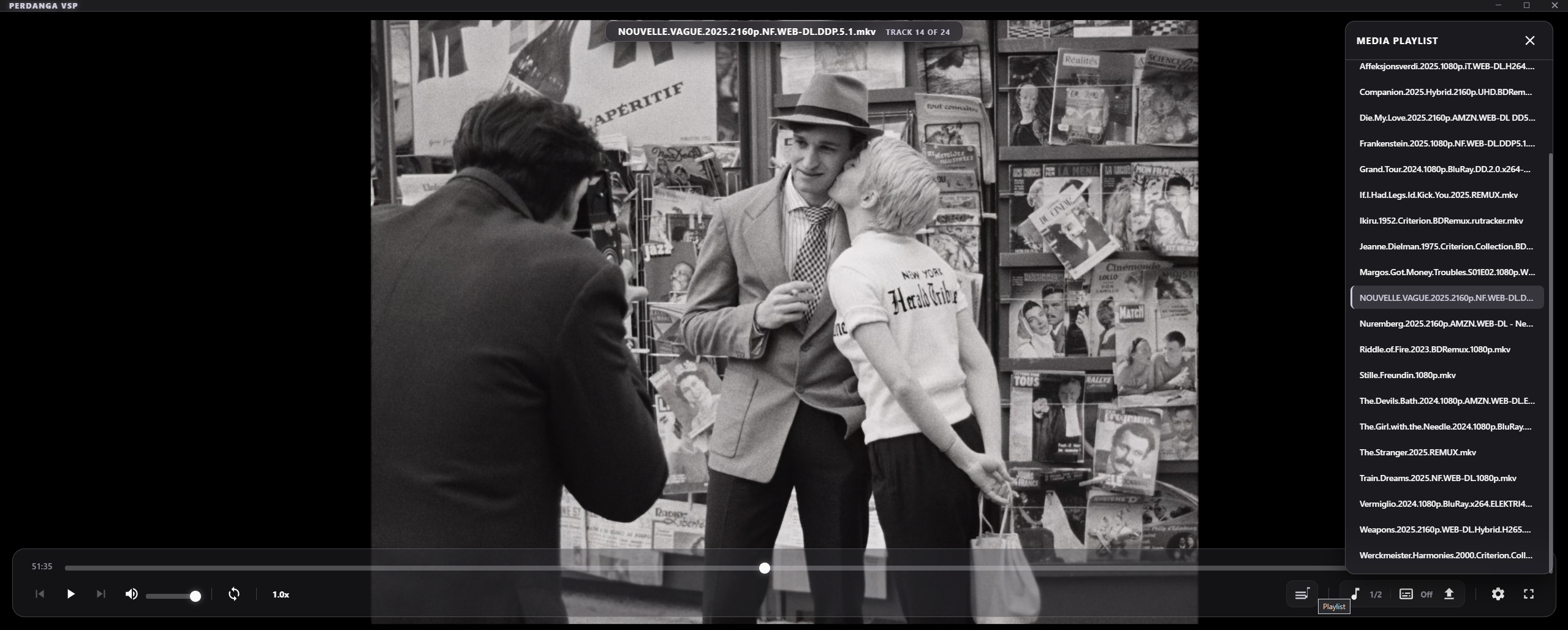
Media Playlist & Chapter Navigation

Automatic playlist ordering, next-file playback, and easy chapter skipping.

L Playlist  •  C Chapters
Playlist & Navigation
Timeline

Video-Frame Preview

Hover over the timeline to preview exact video frames, millisecond timestamps, and chapter tags.

Video Frame
Timeline Frame Scrubbing
Multiplexing

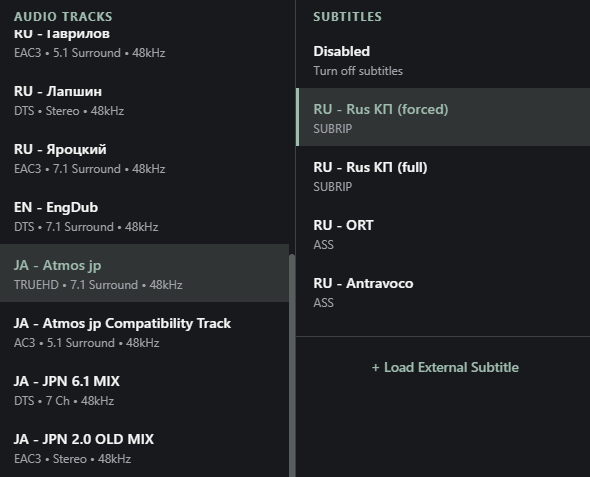
Audio & Subtitle Selection

Instant multi-channel stream switching, subtitle styling, and audio timing adjustment.

Right Click Menu
Audio Tracks and Subtitles
Architecture

Pure performance.

Built on pure C++20 and libmpv. Video frames render directly into the native Win32 window with hardware synchronization.

Core Backend C++20 + Win32 API
Playback Engine libmpv
Video Output Direct3D 11 Hardware Output
UI Runtime WebView2

Direct3D 11 Native Output

Video rendered directly into the native Win32 window via libmpv with hardware VSync synchronization.

D3D11 Hardware VSync Display-Resample Native Win32 Frame

Transparent Glass UI

Built with WebView2, featuring blur effects, custom accent colors, and seamless custom window frames.

Single-Instance Architecture

Opening files from File Explorer immediately routes them into the active running instance with no duplicate processes taking up memory.

Full Subtitle & Audio Engine

Switch embedded audio and subtitle tracks on the fly, adjust delay (-0.1s / +0.1s), customize vertical positioning, scale font size, and load external .srt, .vtt, and .ass files with ease.

Sync -0.1s / +0.1s Vertical Position Adjust Font Scaling External File Loader
Format Compatibility

Supported Formats

Powered by libmpv and industry-standard FFmpeg decoders.

Video Containers

MP4, MKV, WebM, AVI, MOV, TS, M2TS, FLV, WMV, VOB, and more.

Video Codecs

AV1, HEVC/H.265, H.264/AVC, VP9, VP8, MPEG-2, VC-1, ProRes, etc.

Audio Formats

MP3, FLAC, WAV, AAC, OGG, Opus, M4A, AC3, E-AC3, DTS, ALAC.

Subtitles

ASS/SSA, SRT, WebVTT, PGS, VobSub.

VSP

Built for hotkey speed.

Perform complex seeking, chapter skipping, and subtitle timing adjustments.

Mouse Wheel over icons: Adjust Volume, Playback Speed, or Cycle Tracks.
Play / Pause
Space
Toggle Fullscreen
Double Click
Smooth Seek -/+ 5 Seconds
Previous / Next Chapter
Shift
Previous / Next File
PgUpPgDn
Adjust Speed (-/+ 0.05x)
<>
Toggle Playlist Menu
L
Toggle Chapters Menu
C
Instant Screenshot (to Pictures)
S
Subtitle Sync Timing (-/+ 0.1s)
GH
Subtitle Size Scaling
Ctrl+-
Subtitle Vertical Position
Shift+-
Quick Track & Subtitle Menu
Right Click
Exit Fullscreen or Close Modal
Escape

Perdanga Forever!

github.com/PerdangaSoftware/Perdanga-VSP/releases

Download PerdangaVSP_Setup.exe
Windows 10 / 11 (64-bit) • Standalone Setup (~70 MB)